
Free teleprompter
Read your script. Look at the camera. Sound like yourself.
The Virtually Myself® Teleprompter scrolls your script at your pace while you talk to camera, and records you at the same time. It runs in your browser on your phone or computer.
- Free
- Phone and computer
- Nothing to install
- No sign-up
- Recordings stay on your device
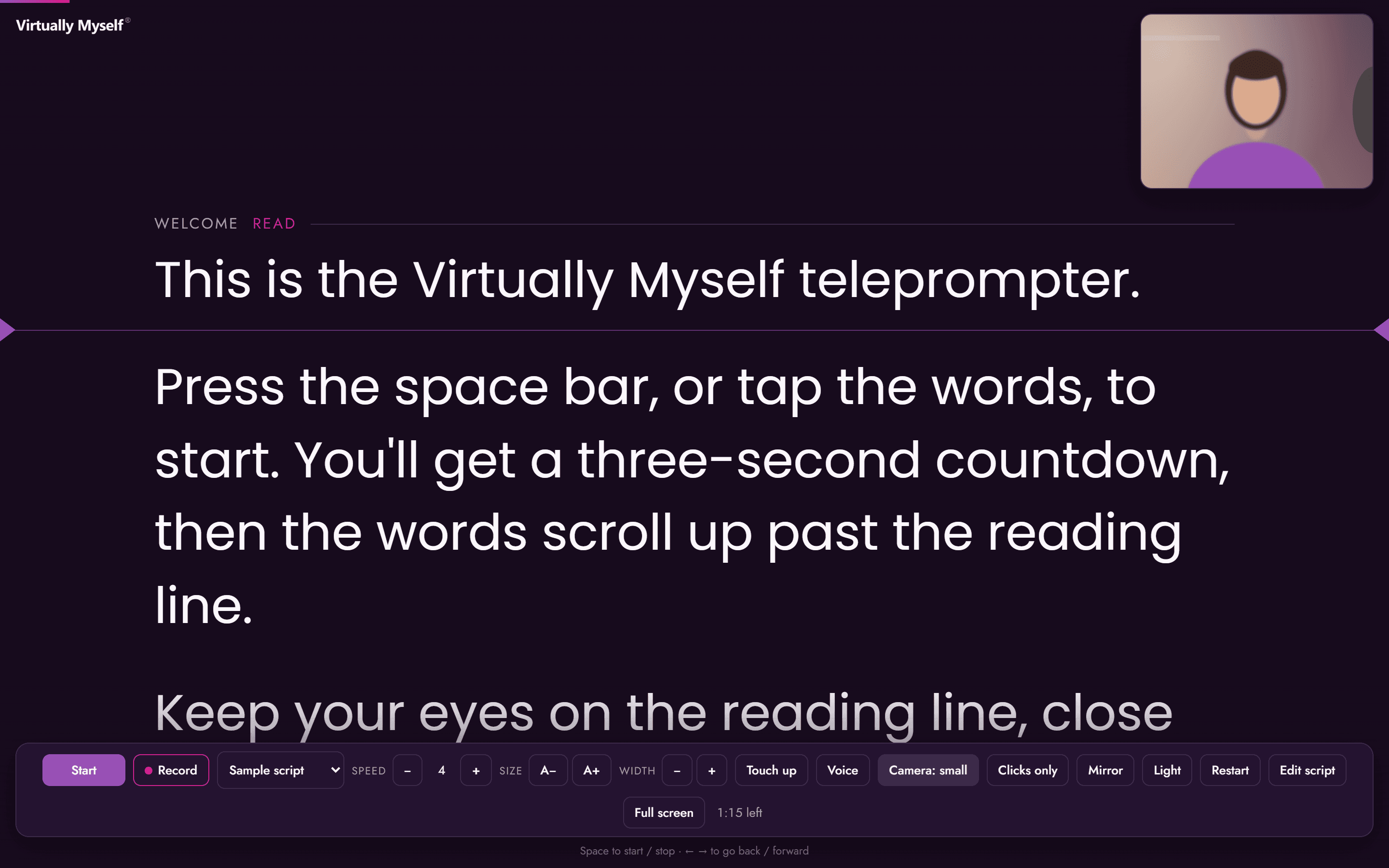
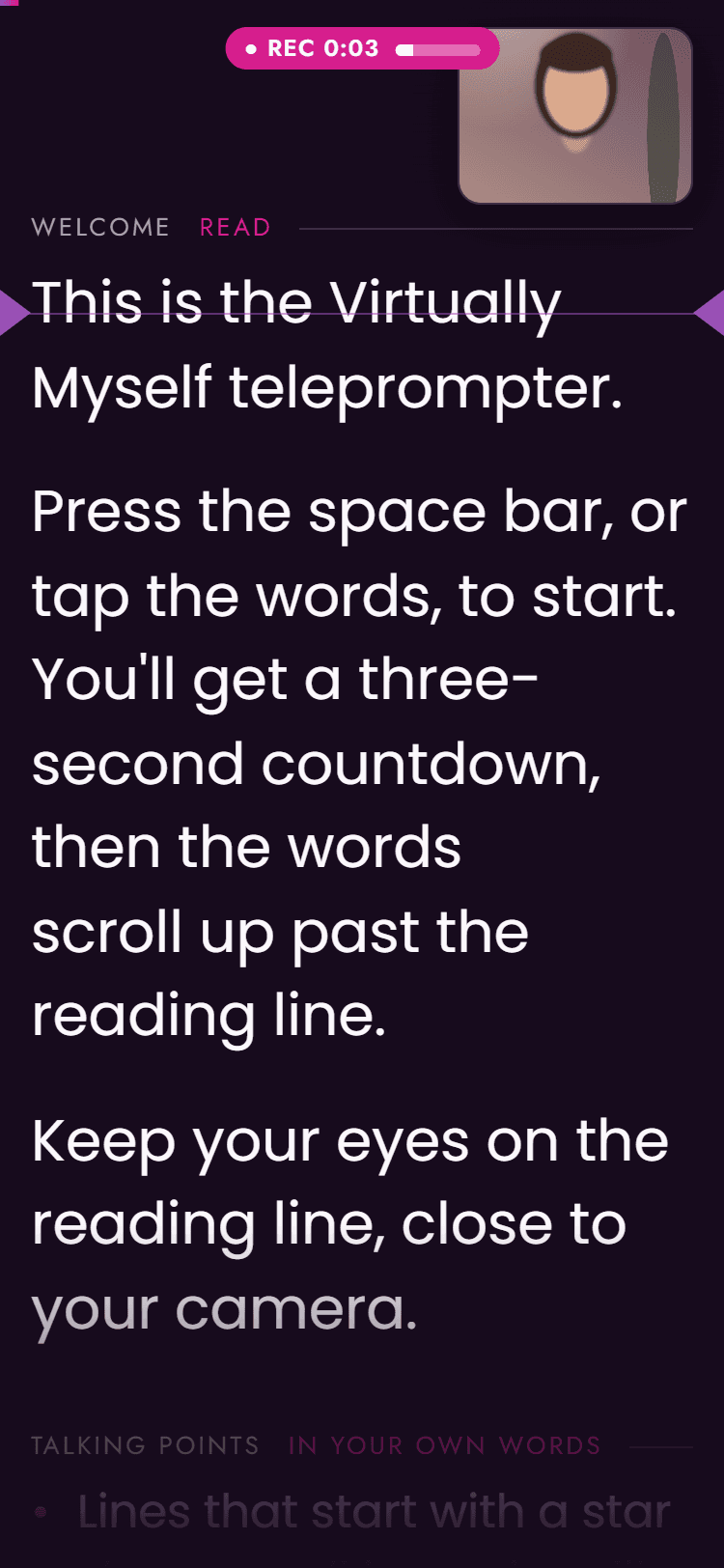
Three steps to your next video
- 1
Add your script
Paste it in, or start from the sample script to see how it works.
- 2
Press start or Record
A 3-2-1 countdown, then the words scroll at your pace.
- 3
Save your video
Download it, or share it straight from your phone.
Read with ease
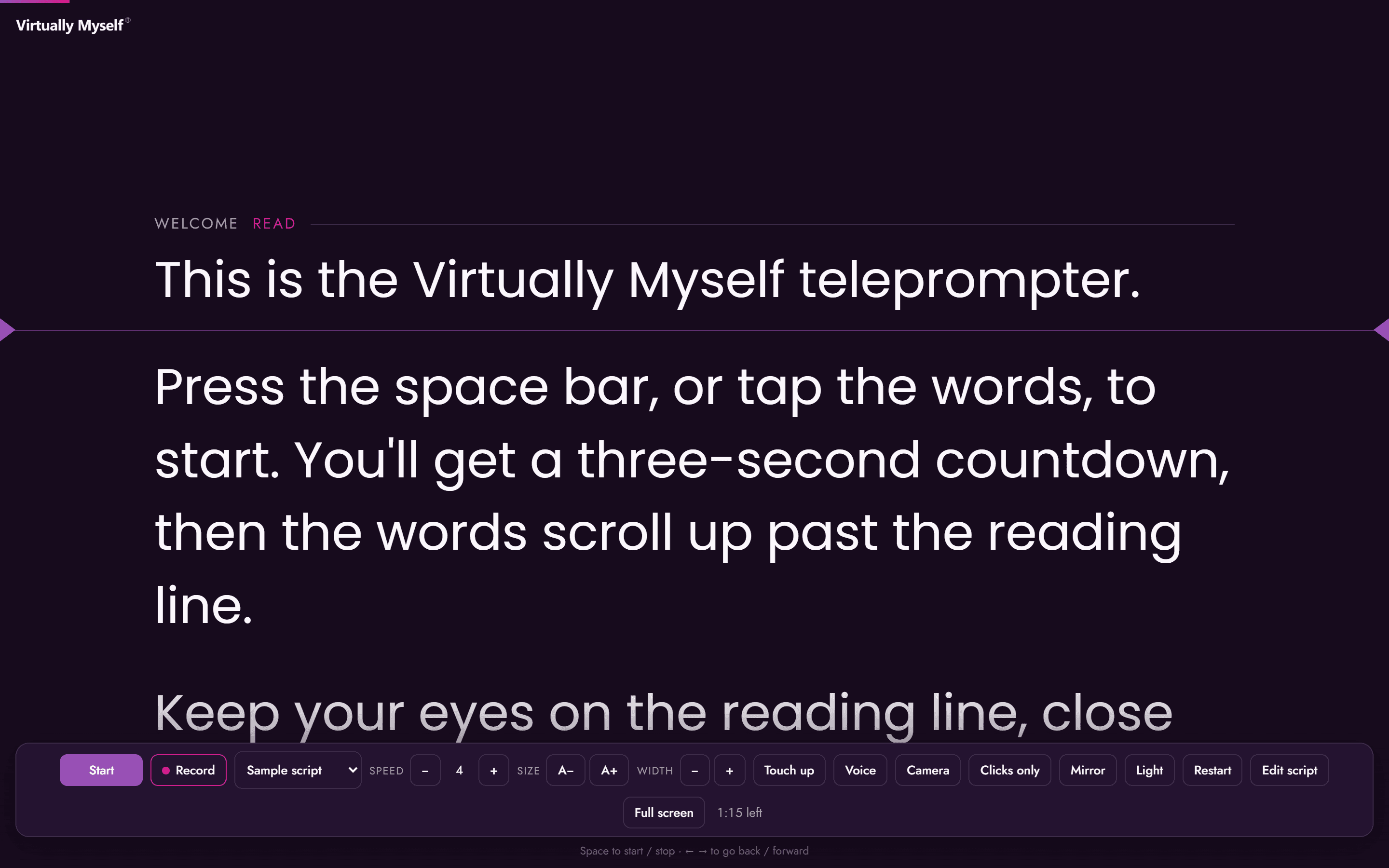
Your words scroll past a reading line close to the camera, at a pace that suits you.
- Auto-scroll. Set the speed and text size, then press start. Pause any time.
- Voice scroll. The script follows your voice as you read. Works in Chrome, Edge and Safari.
- Clicker and remote. Use a presentation clicker or a Bluetooth remote to start, stop and move through your script.
- Mirror mode. Flip the text for use with a teleprompter glass.
- Up to 10 saved scripts. Keep your scripts ready and switch between them from a menu.
See yourself and record
Check how you look while you read, then record straight from the same screen.
- Camera preview. See yourself from the front camera, full screen behind the words or in a small window.
- Record your video. Record from your camera. On a computer, you can also record your screen with you in a small circle.
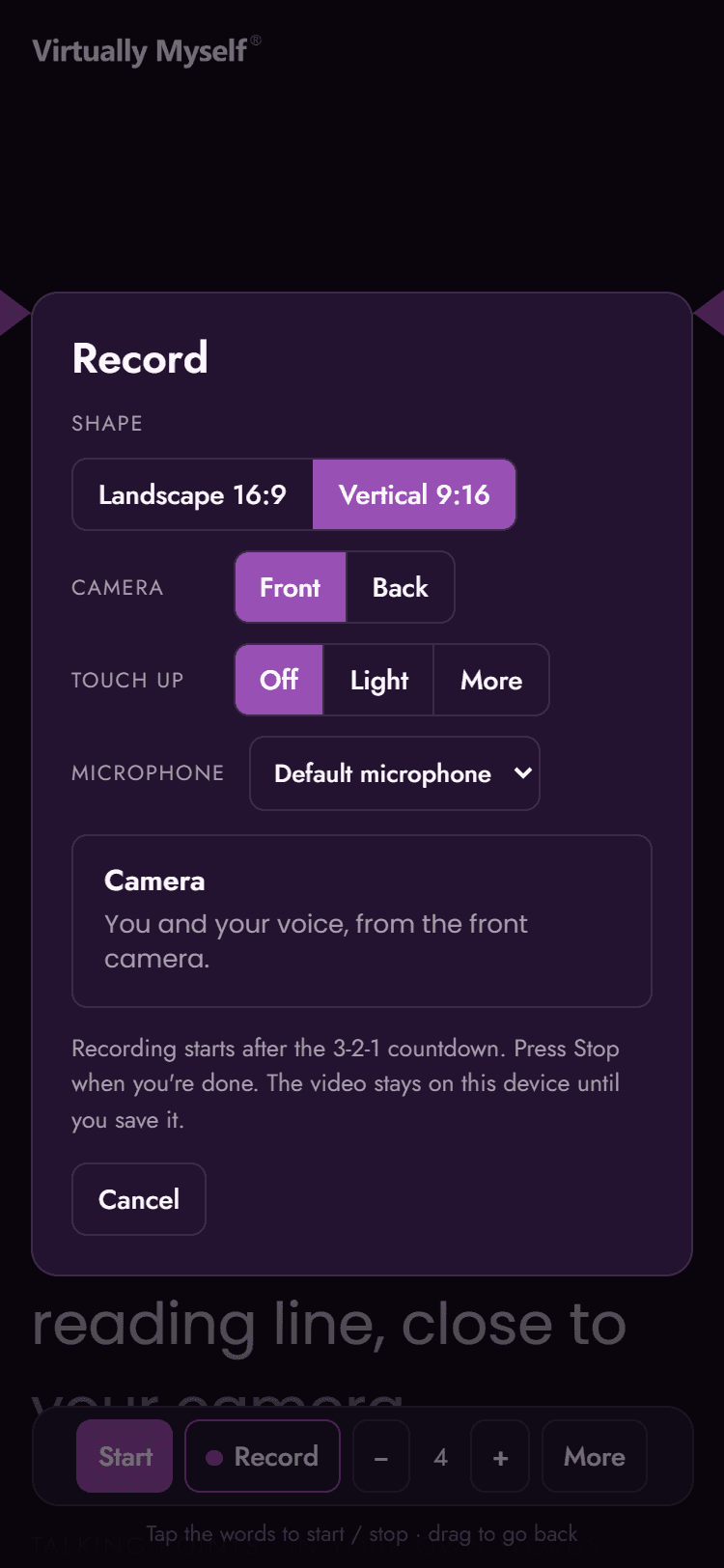
- Vertical or landscape. Choose 9:16 for Reels, Shorts and Stories, or 16:9 for YouTube and LinkedIn. Use the back camera on your phone.
- Microphone and sound meter. Pick your microphone and watch the sound meter, so you know your voice is coming through.
- Touch up. Subtle skin smoothing, with Off, Light and More settings.
- Several takes. Record again until you're happy, then keep the take you like best.
Yours, on any device
Open it on your phone, tablet or computer. There's nothing to download and no account to create.
- Private by design. Your scripts and recordings stay on your own device until you choose to save or share them.
- Install as an app. Add it to your home screen or desktop and open it like any other app.
- Made by Virtually Myself. Clean, distraction-free and in Virtually Myself colours, with light and dark modes.
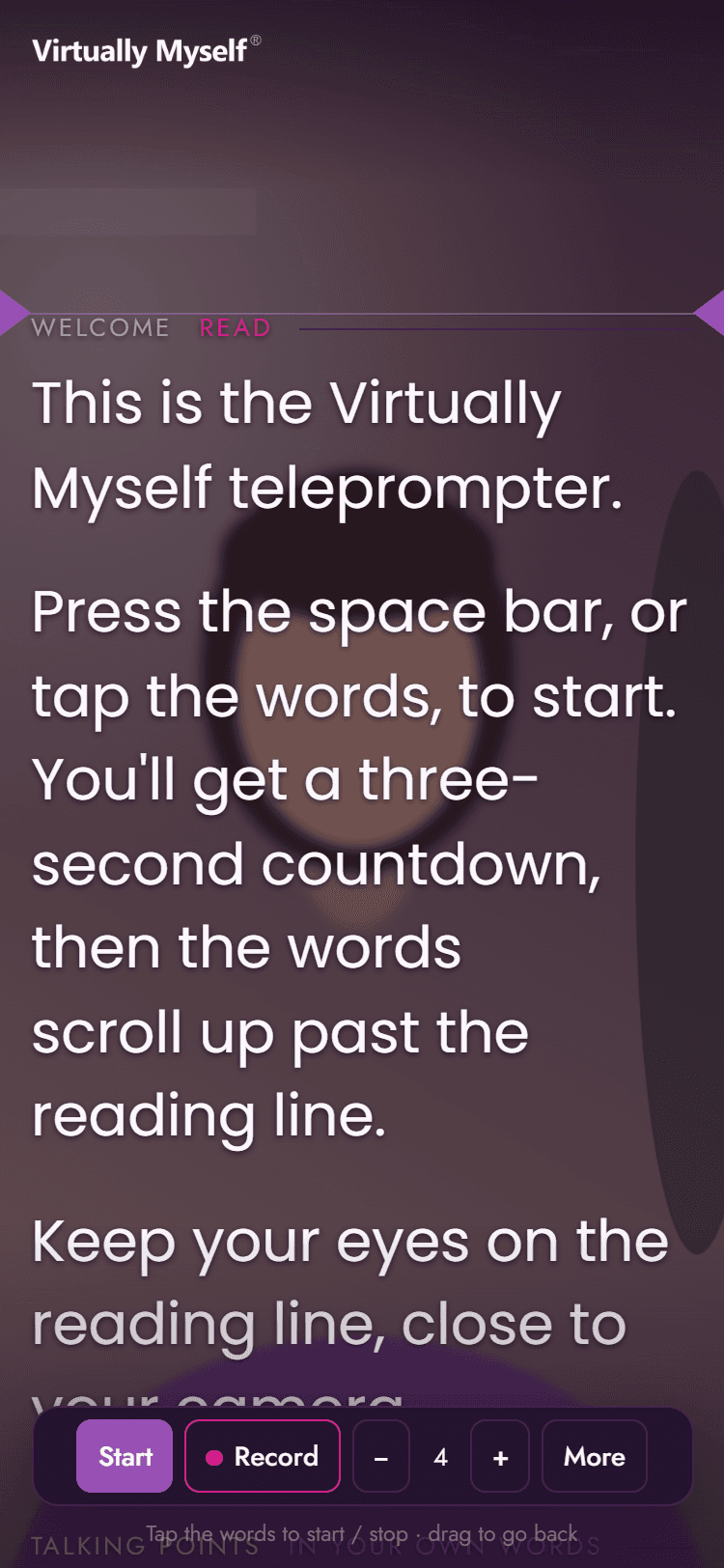
Keep the take you like
When you press Stop, your recording opens ready to watch. Save it to your computer, share it from your phone, or record again. Nothing leaves your device unless you choose to save or share it.
Open the teleprompter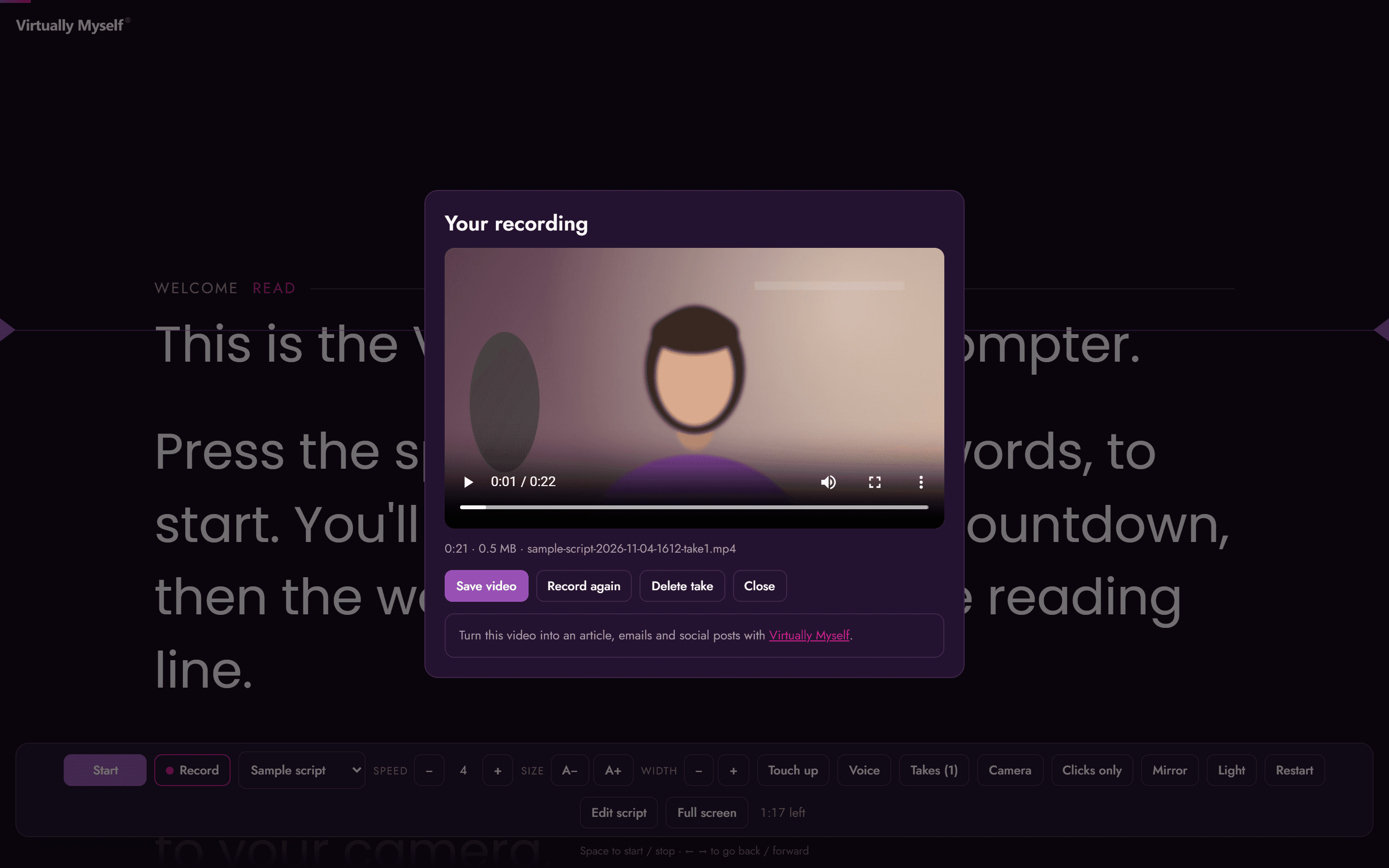
For Virtually Myself® clients
Even better with Virtually Myself®
The teleprompter is free for everyone. With Virtually Myself®, every video you record becomes the start of an article, emails and social posts, all grounded in your expertise.
Works today
Draft your script from your Vault
Ask AI Chat or the Writer's Room for a video script grounded in your expertise and written in your voice, then paste it into the teleprompter.
Add the video to your Vault
Upload your saved recording and Virtually Myself® transcribes it automatically, so everything you said becomes part of your body of work.
Turn one video into much more
Develop it into an article in the Writer's Room, then a content pack of social posts and emails with the Press Room on Professional plans and above.
Inside the appComing soon
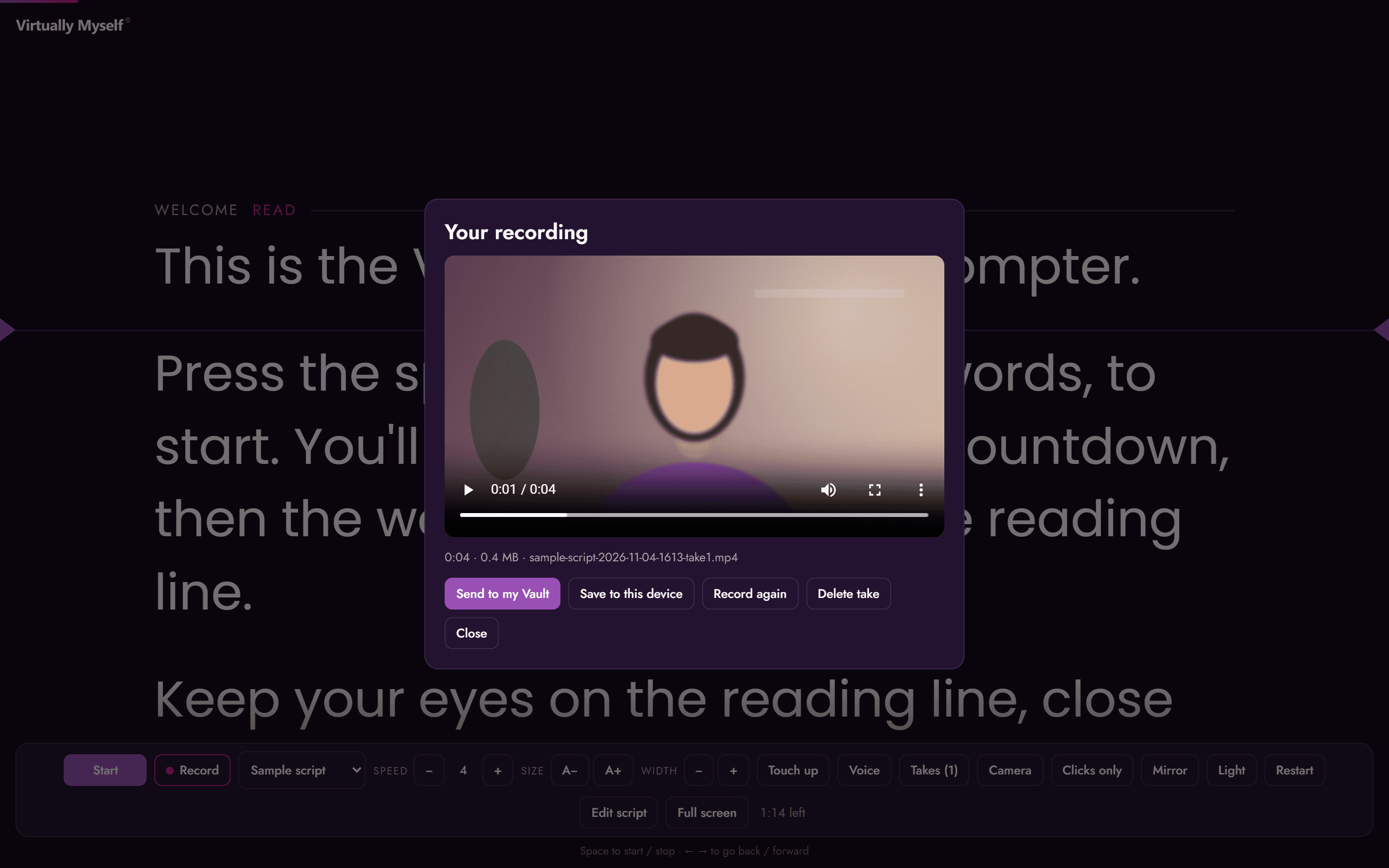
- Send to my Vault. Send a recording straight from the teleprompter to your Vault. Save to device stays there too.
- Your script travels with the video. The words you read arrive in your Vault alongside the recording.
- One-tap next steps. After sending, choose Write an article or Make a content pack.
Turn every video into a body of work
See how Virtually Myself® turns what you know, and what you say on camera, into articles, emails and social posts in your voice.